Upload your menu
Use a photo, flyer or PDF. Dishes, categories and prices are detected automatically.

Upload a photo, flyer or PDF. Olbrio detects dishes and prices, creates a readable TV layout and publishes it to your screens. You only review the result.
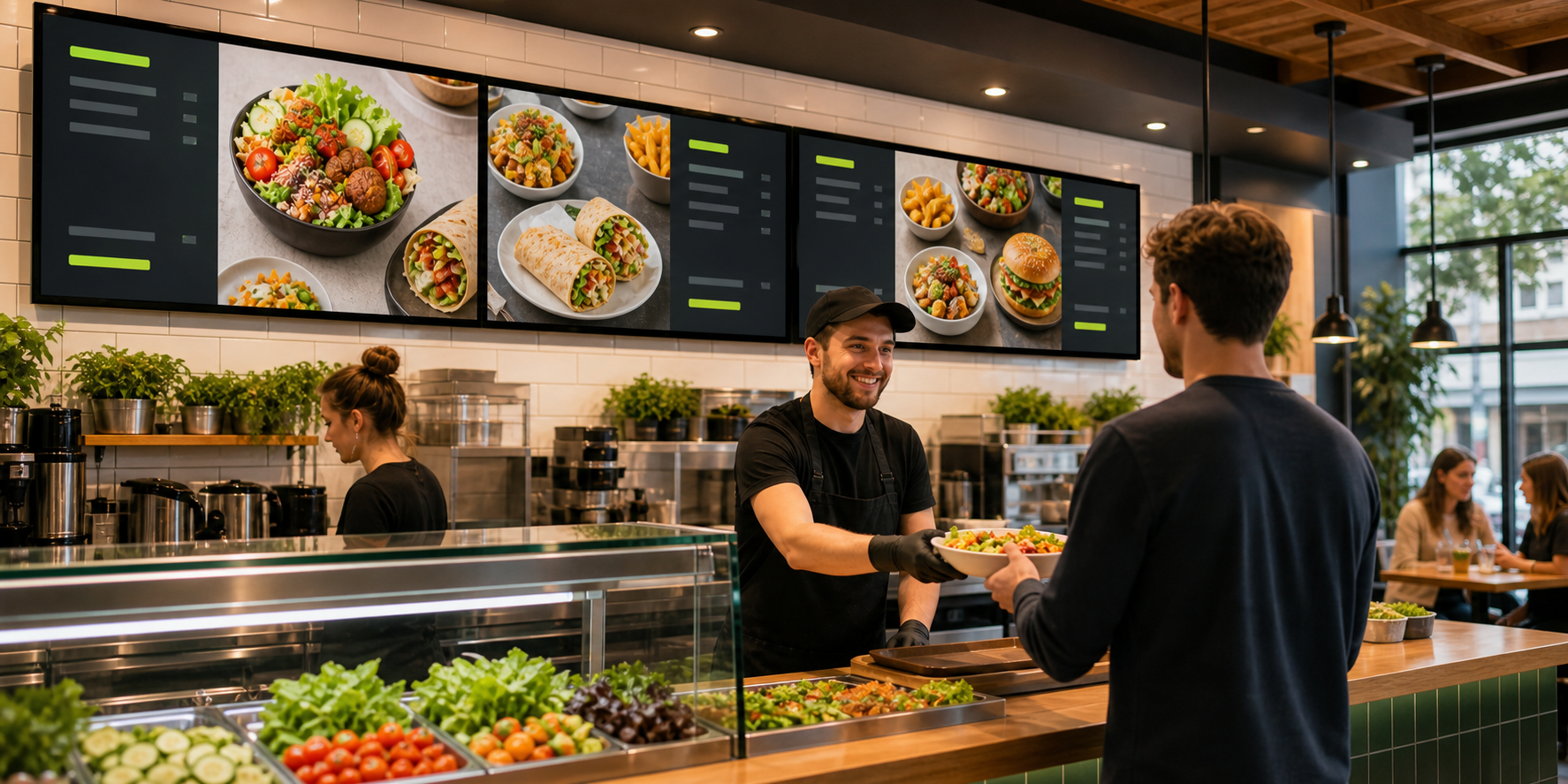
Use a photo, flyer or PDF. Dishes, categories and prices are detected automatically.
Receive a finished restaurant menu board draft. Correct content if needed — no layout work required.
Open Olbrio on the screen and enter the pairing code. Future changes update automatically.
Layouts, spacing and type sizes are prepared for readable restaurant digital signage.
Change a price once and publish it to every connected screen.
Manage counter, window and location screens from one account.
Reuse products in QR menus, offers, table ordering and social media.
No. Olbrio automatically turns your menu into a TV-ready layout. You review content and prices rather than designing a screen.
Upload menu photos, flyers or PDFs. A smartphone photo of a printed menu is enough for a first draft.
An internet-connected display or compatible streaming device is enough. Pairing uses a simple on-screen code.
Edit a price once in your central menu and publish it to all connected digital menu boards.
Yes. The base plan includes up to three TVs, with additional screens available when needed.
Publish your menu automatically on restaurant TV screens.
QR menuUse the free digital menu as one shared foundation.
Table orderingSend orders to kitchen, bar and receipt printers.
AI call agentTake phone orders automatically from your approved menu.
Staff planningManage schedules, availability and the employee app.
Social mediaTurn dishes into finished posts, formats and captions.
Receipt boxSort receipts by location and prepare bookkeeping.
Purchasing & suppliersPrepare supplier orders from products and ingredients.
Campaign menusBuild limited-time offers from your central menu.
Upload it and review your first automatically generated digital menu board draft.
Start free trial